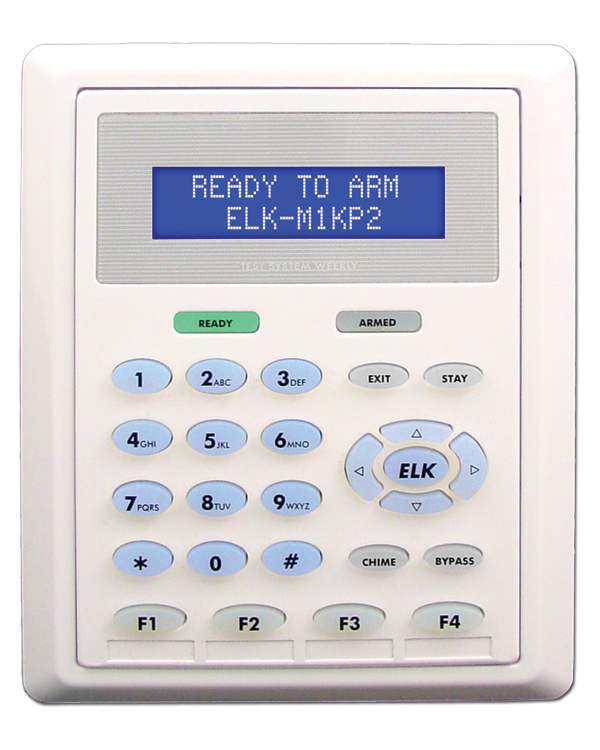
 1. Press the Elk key and enter the Master User Code.
2. Press the up arrow key to find: Menu 6-Change User Codes.
3. Press the right arrow key to select this menu and use the up arrow to locate a user.
4. To remove the user's code press the right arrow and enter all 0's for the code.
5. The keypad should beep 3 times if the code is removed.
6. To back up to another user or select another menu press the ELK key until the correct display is shown.
7. To exit all the way back to the main display press the * key.
Was this article helpful?
That’s Great!
Thank you for your feedback
Sorry! We couldn't be helpful
Thank you for your feedback
Feedback sent
We appreciate your effort and will try to fix the article