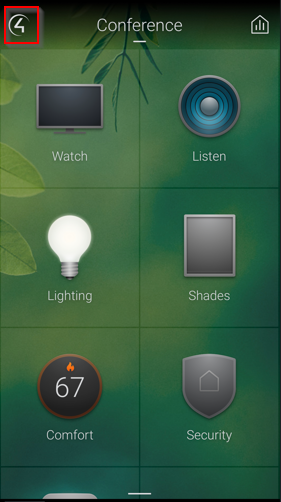
1. Tap the 4 in the top left.
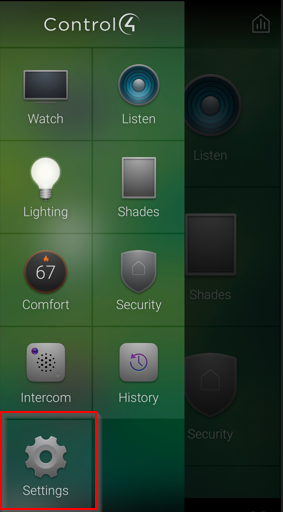
2. Tap Settings.
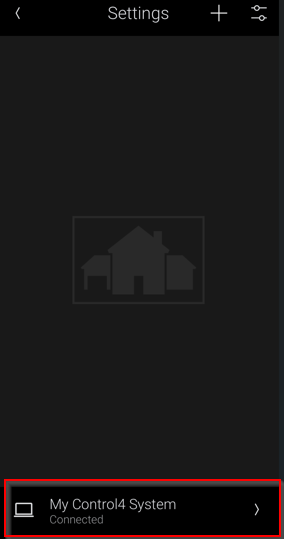
3. Tap the name of your system at the bottom.
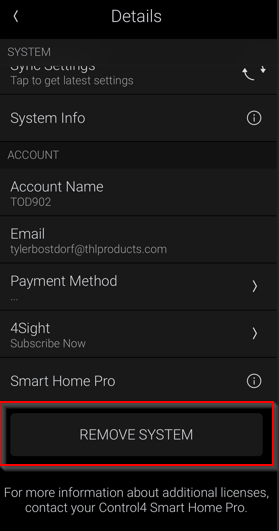
4. Tap on REMOVE SYSTEM.
5. Then tap Connect Now: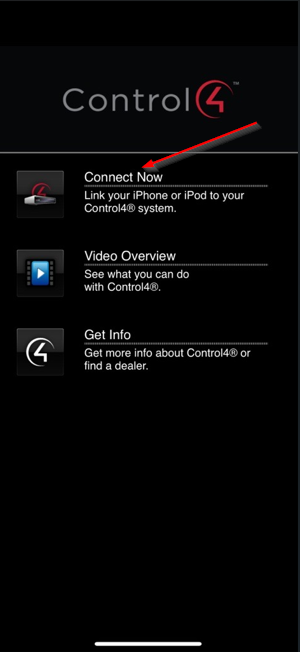
6. Tap Next: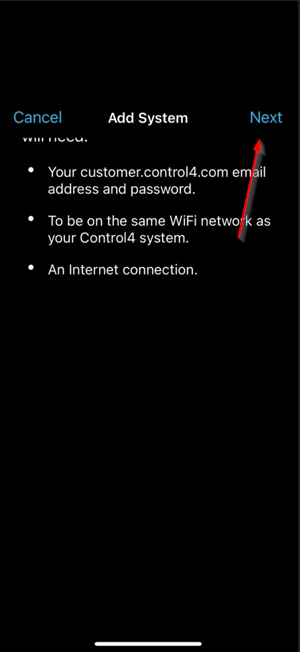
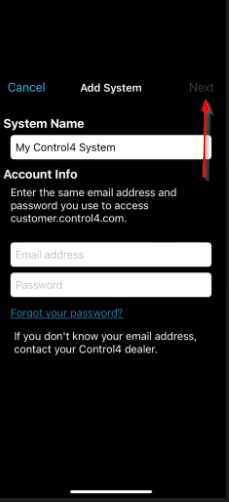
7: Enter a system name which can be anything. Enter the credentials for customer.control4.com. Then click Next. If you do not know the credentials for customer.control4.com click Forgot your password? or follow this document: https://support-thlproducts.freshdesk.com/a/solutions/articles/73000605201
Was this article helpful?
That’s Great!
Thank you for your feedback
Sorry! We couldn't be helpful
Thank you for your feedback
Feedback sent
We appreciate your effort and will try to fix the article