To add a custom button to the home screen of the OS4 Control4 app follow these directions:
- Once the custom button is created (by Today's Home & Leisure) it will be in one or all the rooms depending on how it was created.
- Open the Control4 app.
- Go to a room with the custom button.
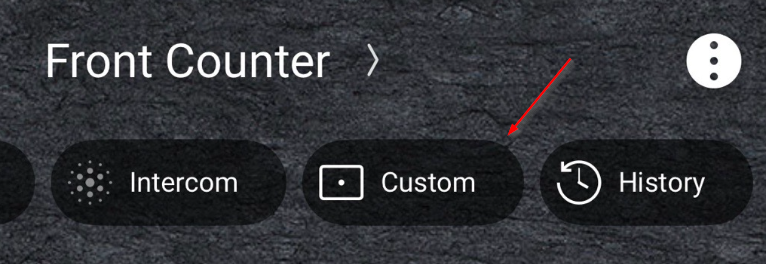
- Tap the button that is named Custom:
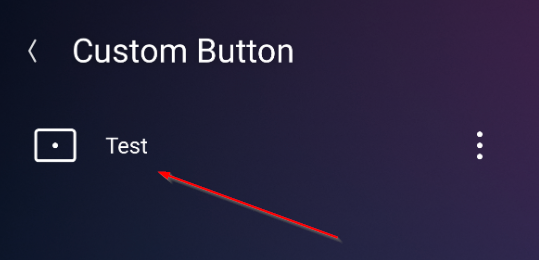
- Tap on the button name and hold:
- Tap Favorite to Home Screen:
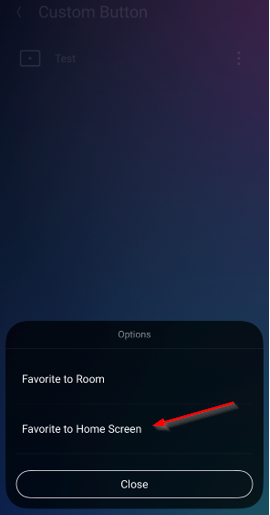
- It will now be on the home screen.
Was this article helpful?
That’s Great!
Thank you for your feedback
Sorry! We couldn't be helpful
Thank you for your feedback
Feedback sent
We appreciate your effort and will try to fix the article